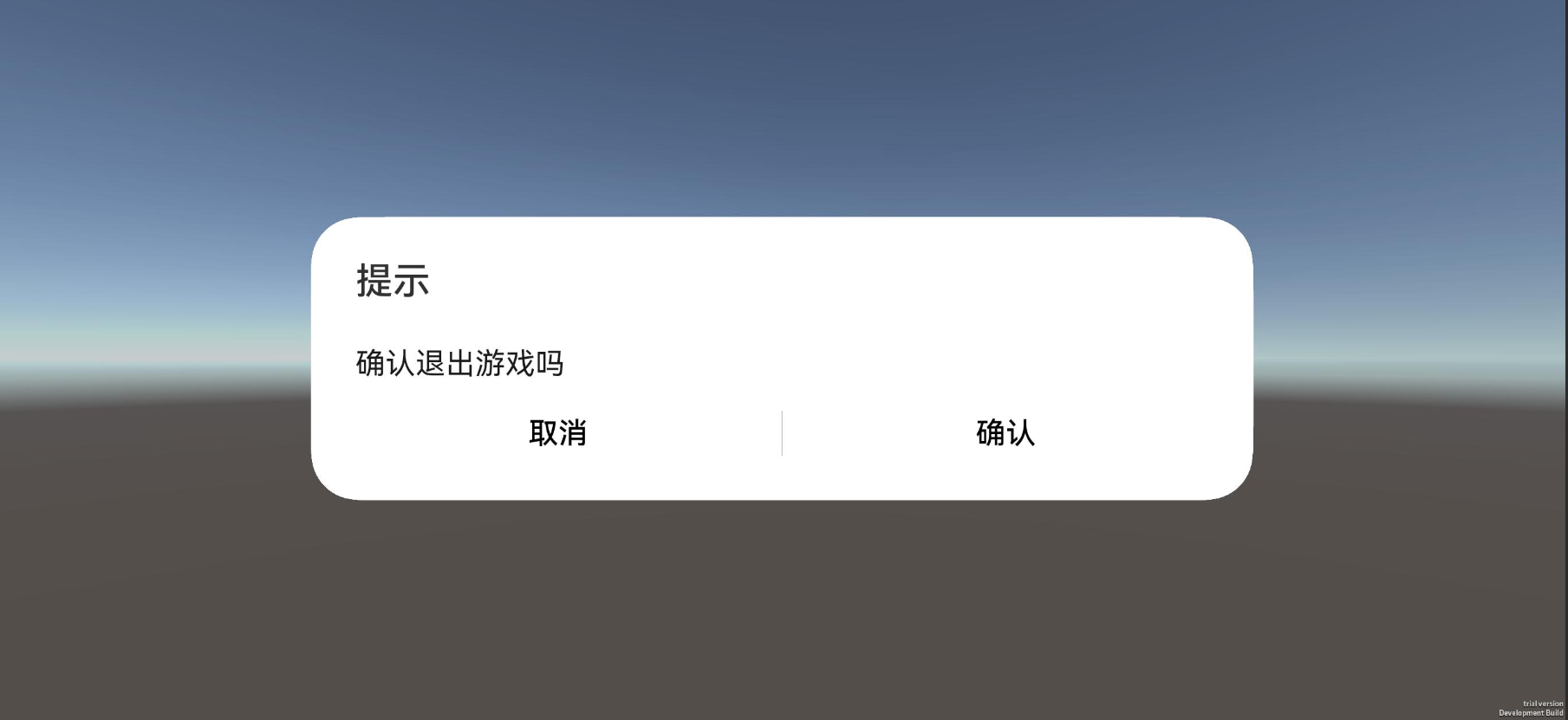
说明
HarmonyOS平台默认在游戏中侧滑、按手机返回键会直接触发应用进程的关闭。组件生命周期中提供了onBackPress方法,若游戏中用户侧滑、按返回键时触发(仅@Entry装饰的自定义组件生效)。
说明: 若需要禁用侧滑、按返回键后直接关闭游戏的能力,须保留return true。若在侧滑、按返回键时直接退出应用,需注释掉return true。
@Entry
@Component
struct Index {
// ...
  onBackPress() {
    console.log("[LIFECYCLE-Page] tuanjie onBackPress");
    // ...
    // return true
  }
// ...
}
实现步骤
-
在
TuanjiePlayerAbilityIndex.ets文件中添加和注册相关接口: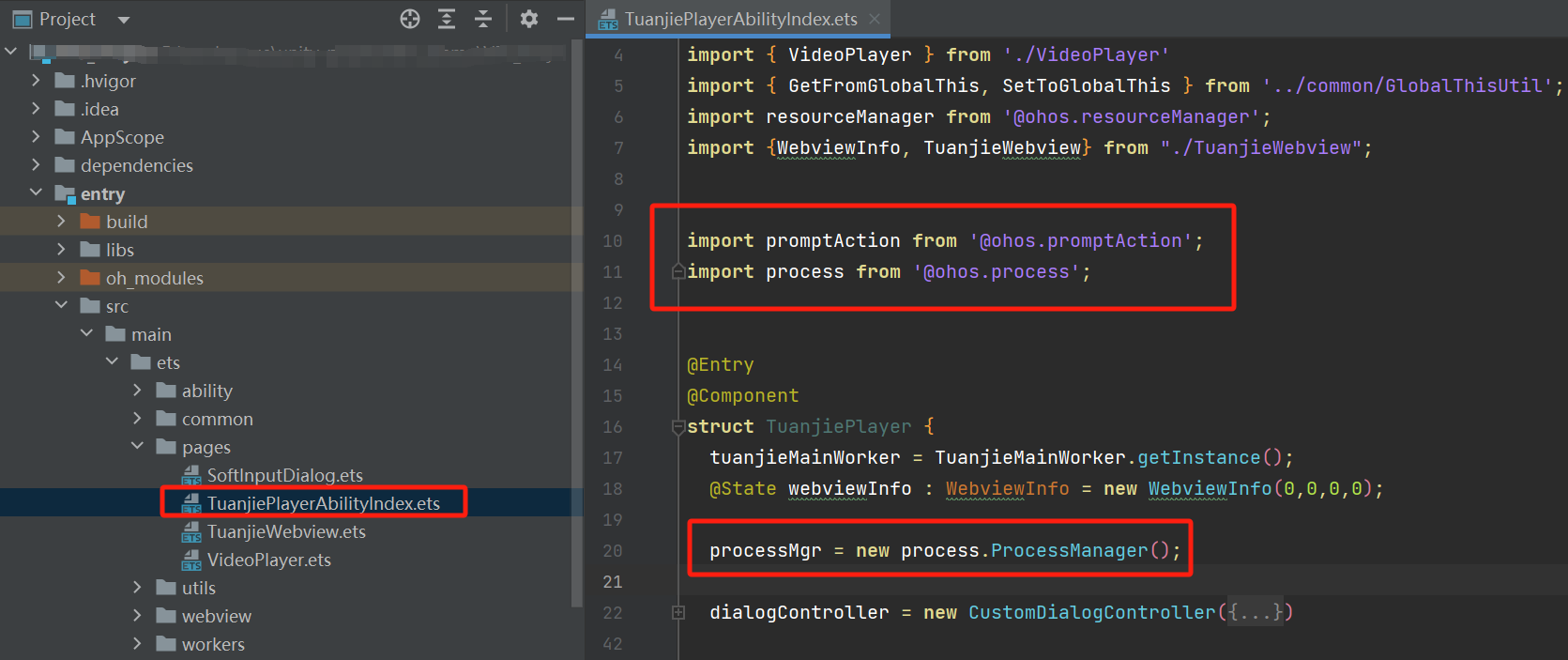
import promptAction from '@ohos.promptAction';
import process from '@ohos.process';

// ...
processMgr = new process.ProcessManager(); -
实现
onBackPress()方法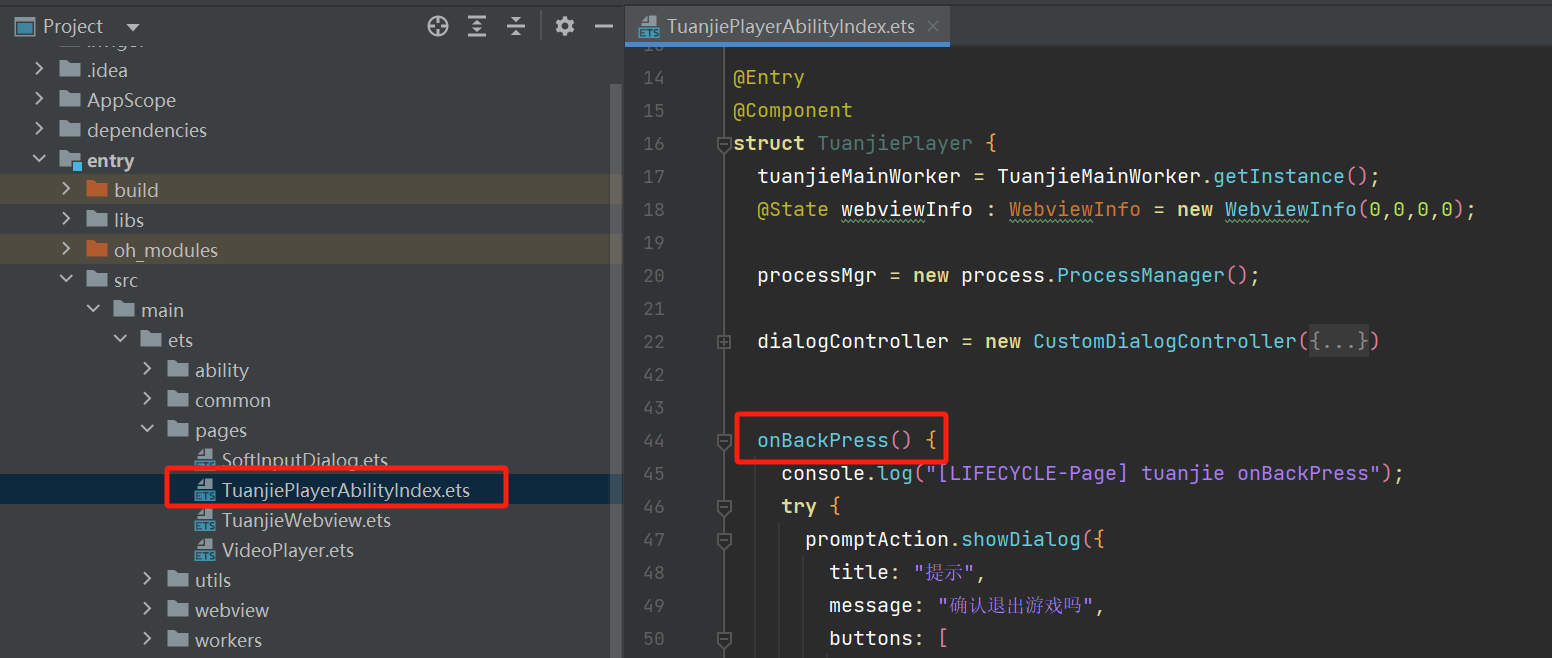
onBackPress() {
 console.log("[LIFECYCLE-Page] tuanjie onBackPress");
 try {
   promptAction.showDialog({
     title: "提示",
     message: "确认退出游戏吗",
     buttons: [
       {
         text: '取消',
         // 颜色可自定义
         color: '#000000'
       },
       {
         text: '确认',
         // 颜色可自定义
         color: '#000000'
       }
     ],
   }).then(data => {
     console.info('showDialog success, click button: ' + data.index);
     if(data.index == 0) {
       console.info('showDialog click button cancel');
       return;
     } else {
       console.info('showDialog click button ok');
       this.processMgr.exit(0);
     }
   })
 } catch (error) {
   console.error(`showDialog args error code is ${error.code}, message is ${error.message}`);
 };
 // If disable system exit needed, remove comment "return true"
 return true;
} -
出包验证 效果如下: